← All projects
Thirai
In build v0.1.1திரை · Tamil for "screen"
Turns the old phone or tablet in your drawer into a touch control panel for your PC.
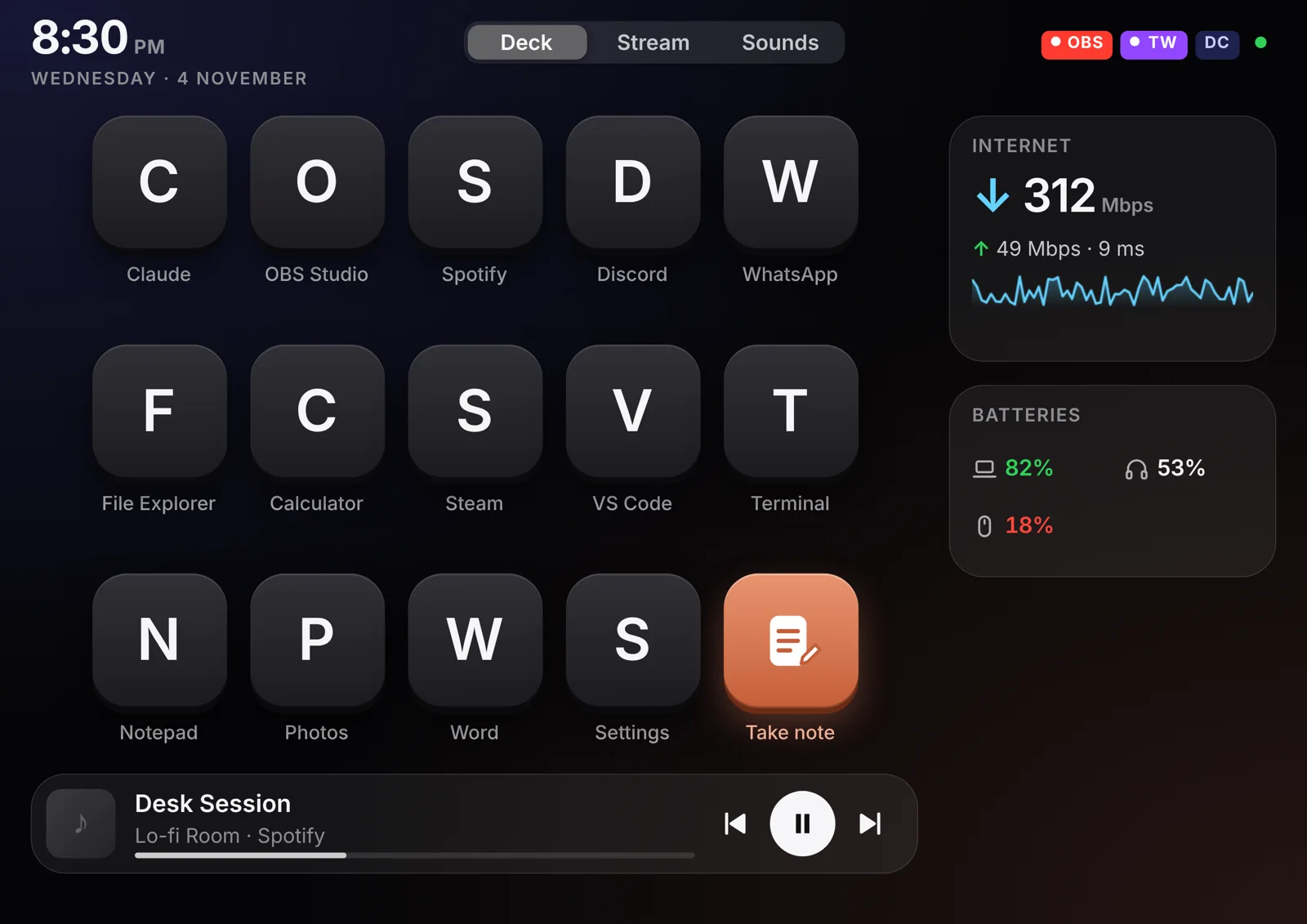
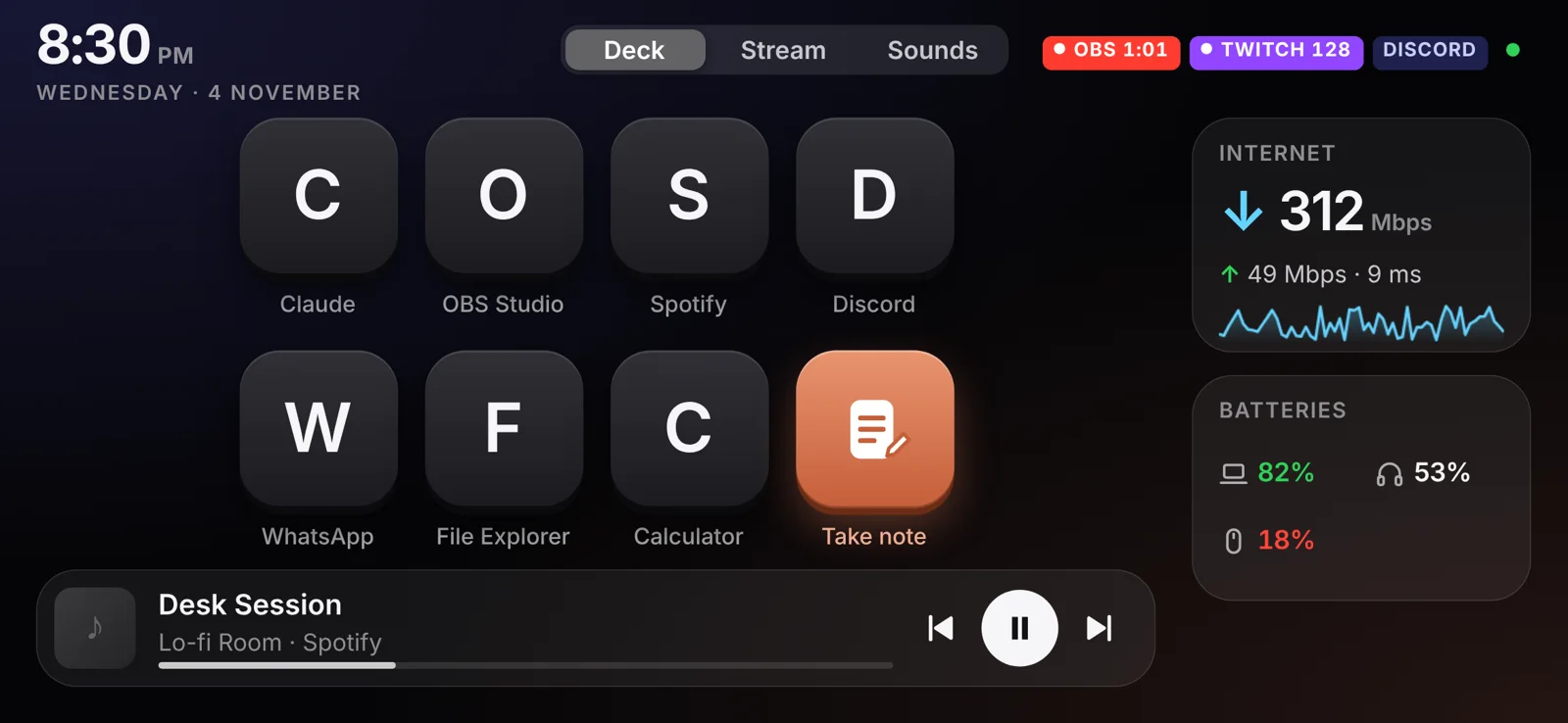
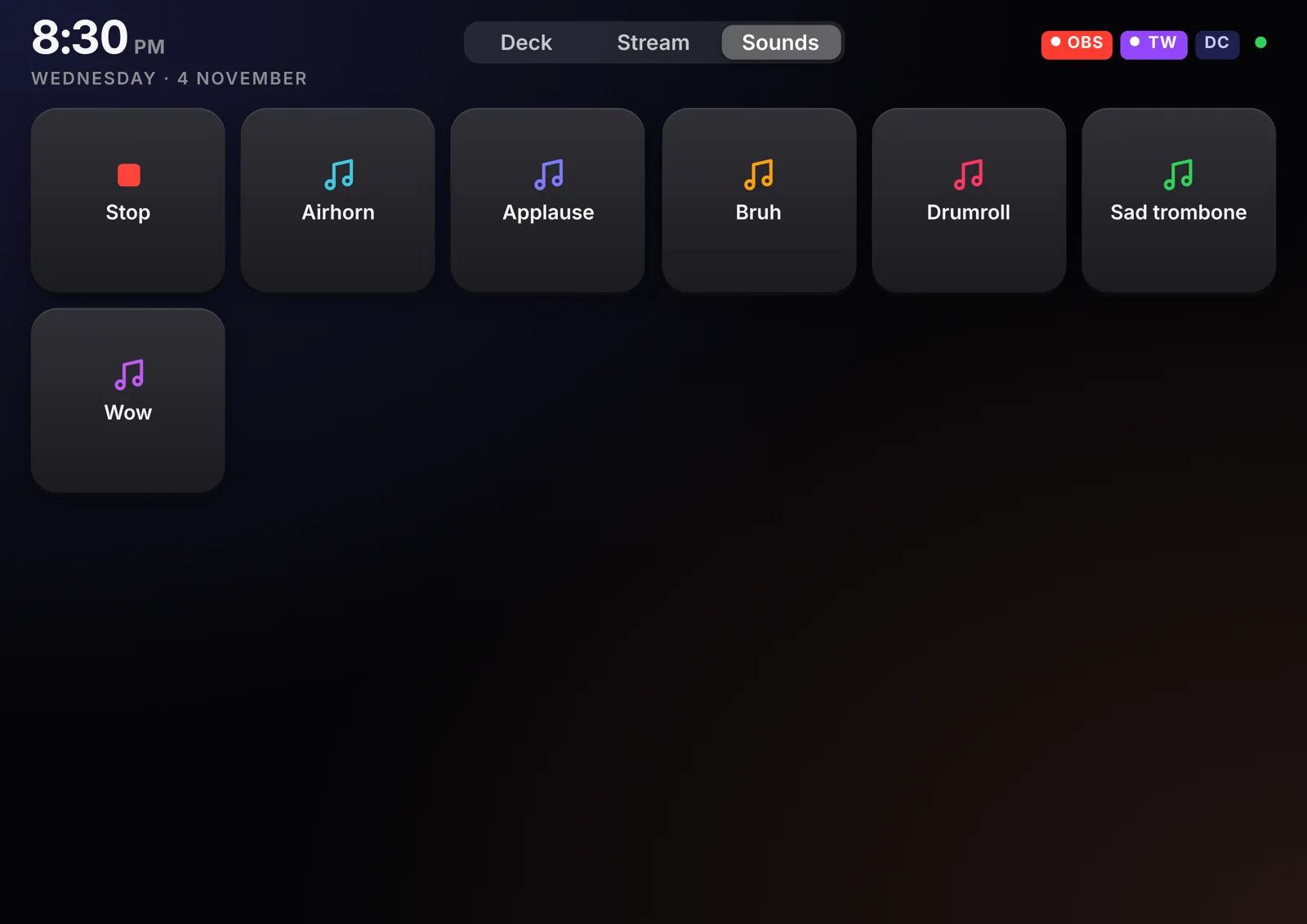
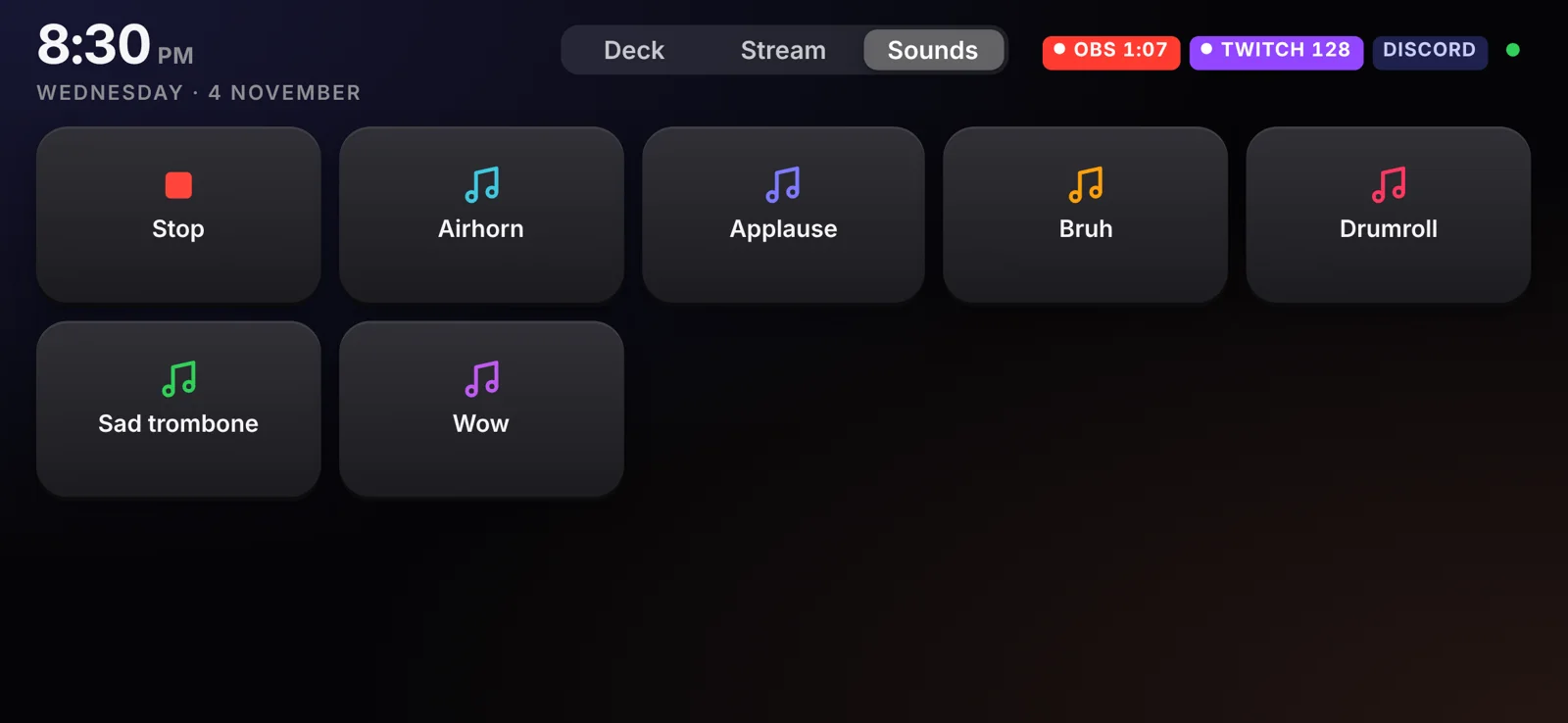
Launch apps, control Spotify, and keep an eye on your connection and device batteries.
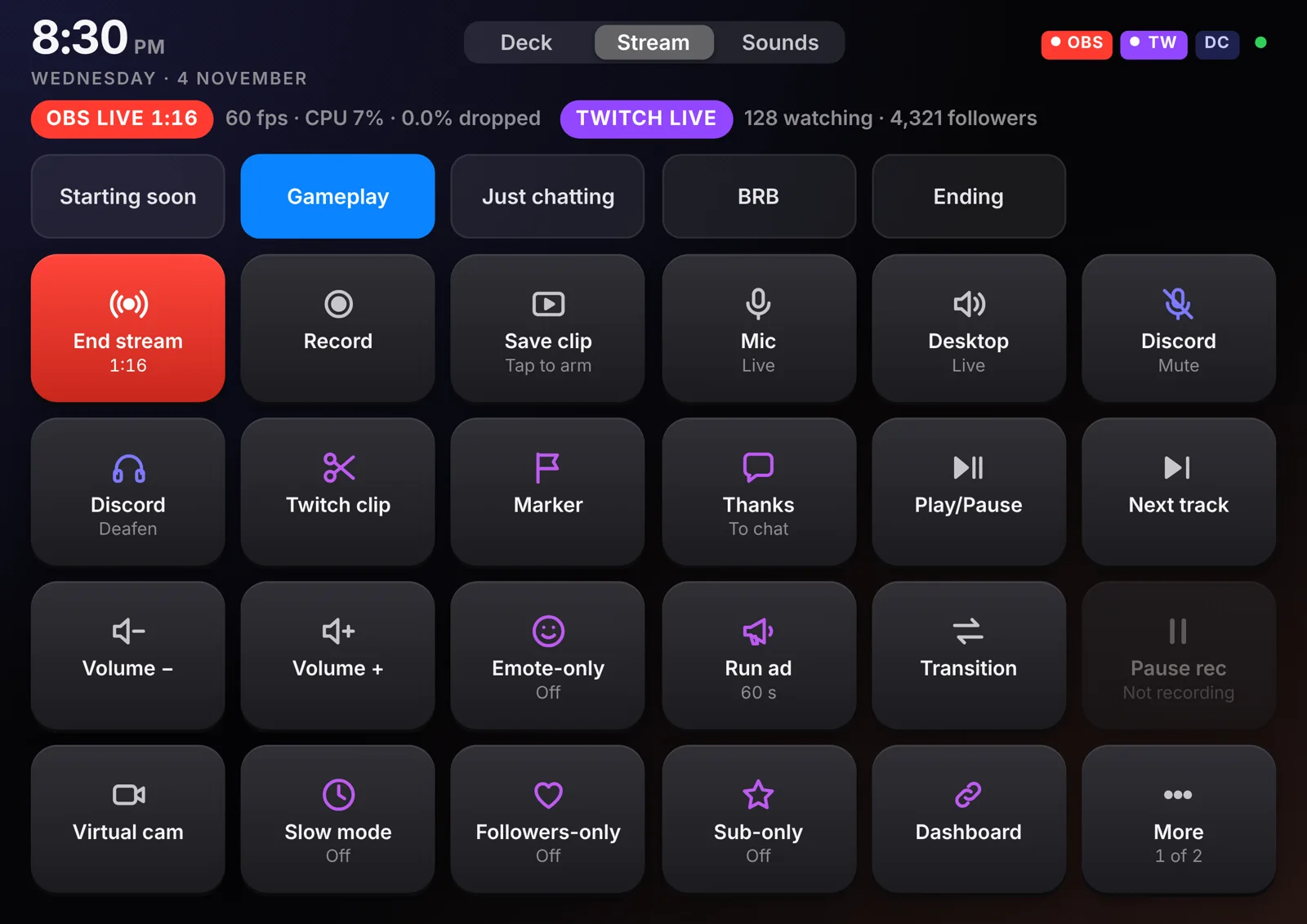
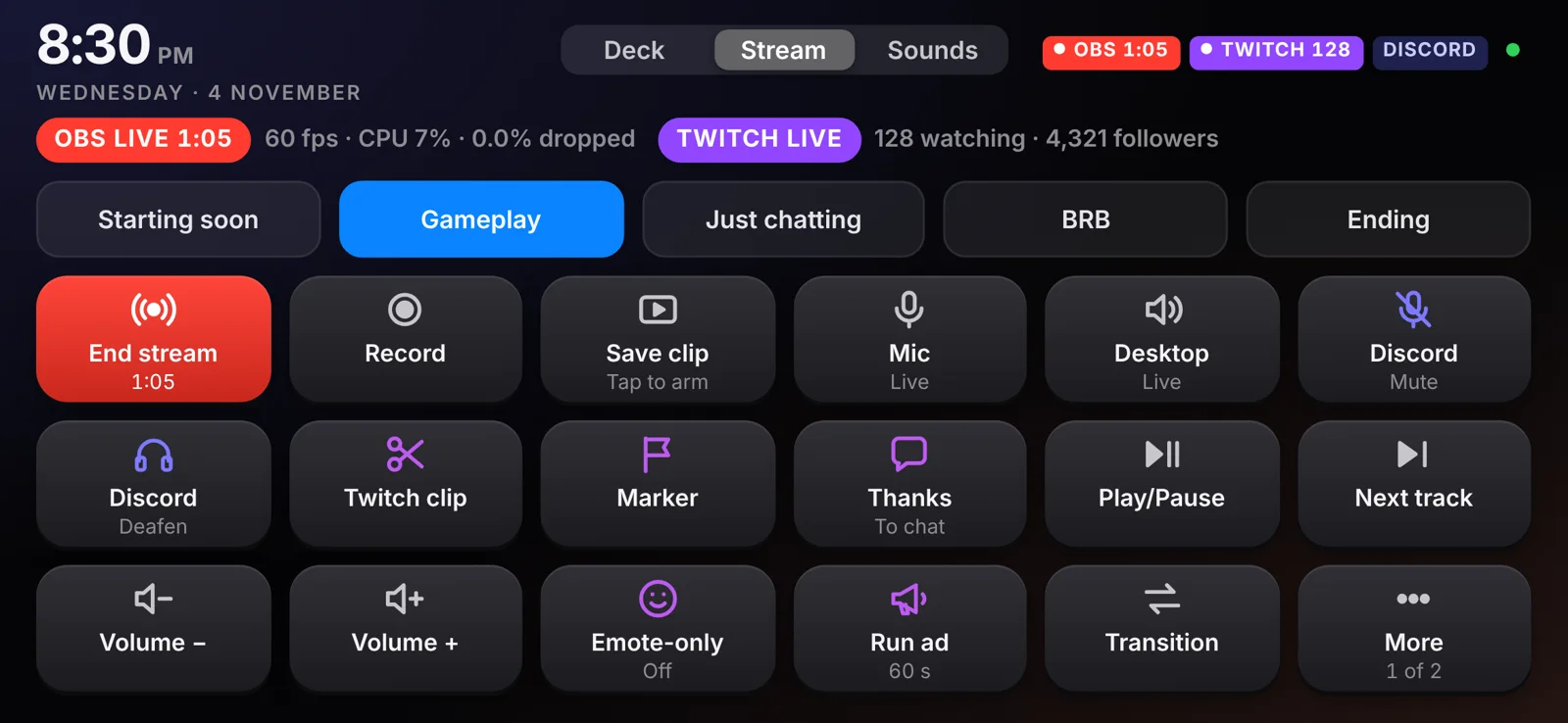
Wire your phone to the PC over USB and you get three screens: a Deck for launching apps and controlling music, a Stream panel for OBS and Twitch, and a Sounds board. Live status for OBS, Twitch and Discord sits in the corner the whole time.
Get started
- Download the latest release from the repo’s Releases page (v0.1.1 or newer).
- Plug your Android phone into the PC with a cable and double-click the
.exe. - Scan the QR code in the Thirai window with your phone’s camera.
For a tablet or phone without a cable, run start-wifi.bat instead, or add "wifi": true to config.json once.
Controls in place
Reviewed Checked in v0.1.1.- USB by defaultThe PC app listens on 127.0.0.1 only, so nothing else on your network can send it commands. Wi-Fi mode is opt-in.
- Random pairing keyThe PC app makes a random 16-character key on first run and shows it as a QR code. Every command from the phone must carry it, or it's refused.
- Checked commandsThe phone can only switch to scenes OBS itself lists, and unknown sound names are ignored.